ONLINE
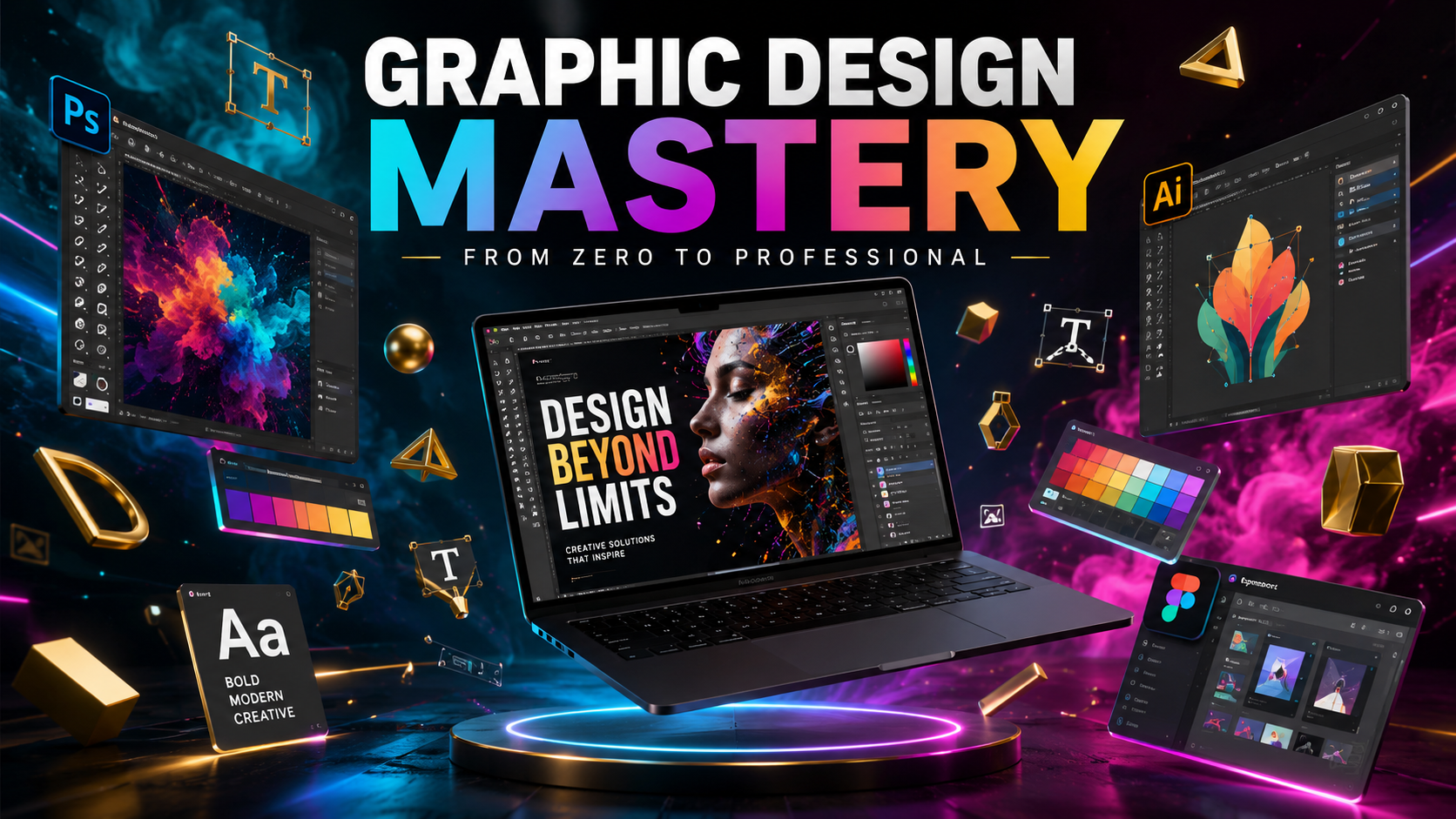
Master Graphic Design
From Zero to Professional
Build stunning designs in weeks with Adobe, Figma, Canva & professional techniques.
From Zero to Professional. Learn Adobe, Figma, Canva & Pro Techniques.
Build stunning designs in weeks with Adobe, Figma, Canva & professional techniques.
Practical creative skills. No business fluff. Pure design craft.
From complete beginner to creating polished, professional work you can be proud of.
Photoshop, Illustrator, InDesign, Figma, Canva, and After Effects used in real studios.
Build a strong body of work across digital, print, branding, and motion.
Deep mastery of typography, color, composition, hierarchy, and visual storytelling.
UI designs, posters, brand systems, editorial layouts, social, and motion graphics.
Learn efficient techniques and shortcuts used by working designers every day.
7 focused modules. Pure creative skills.
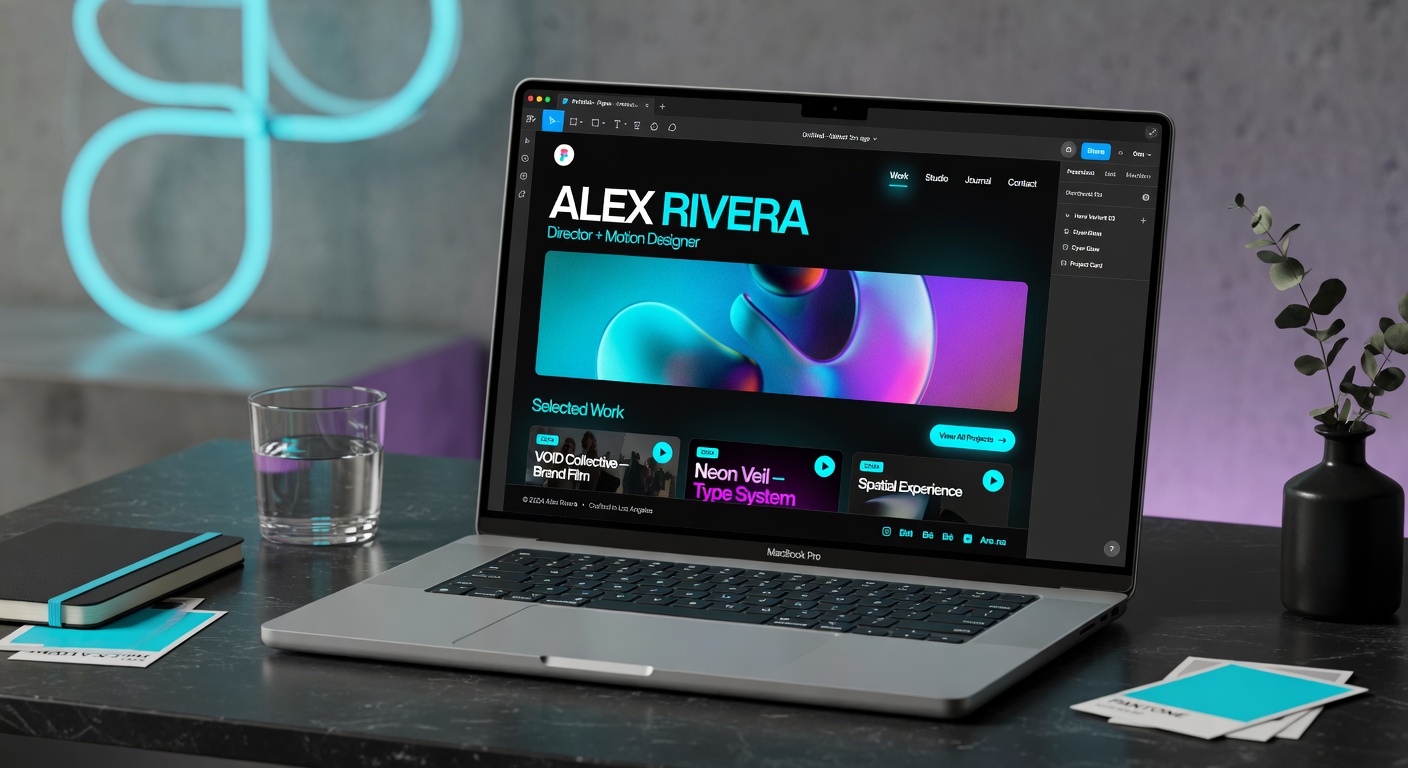
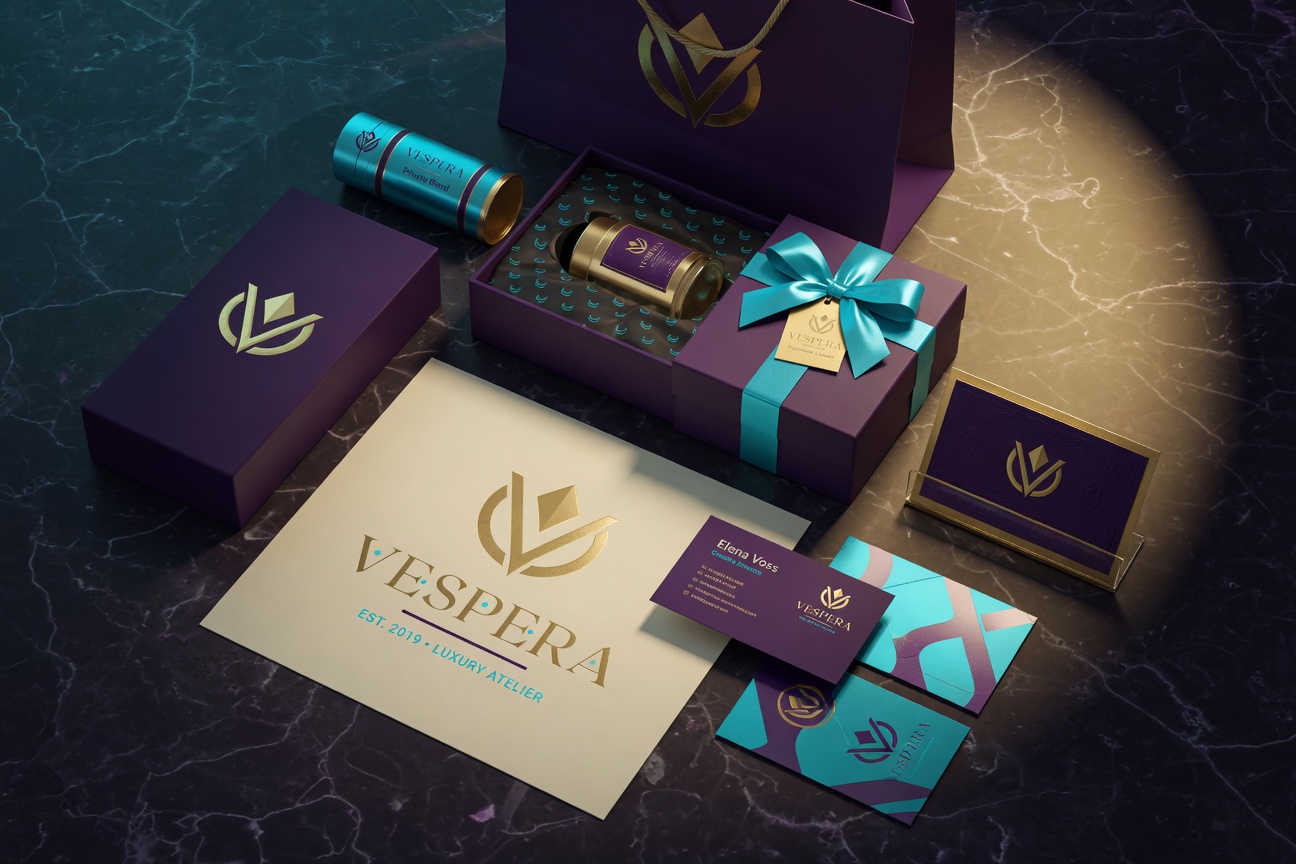
Real projects students complete and add to their portfolios.
"I had zero design experience. After this course I redesigned our entire marketing materials. The practical projects made all the difference."
"The Figma and Illustrator sections alone were worth it. I now have a portfolio that actually gets responses from studios."
"Finally a course focused purely on craft and skill. My work improved immediately. Highly recommended."
No. The course starts from zero and is designed for complete beginners who want professional-level results.
Most students finish the core content in 6–10 weeks (5–8 hrs/week). You have lifetime access and can go at your own pace.
No. Pure creative design skills and craft only. No client work or business content.
A computer and the ability to run the tools (free trials available for most). Canva Pro techniques are included.
Join students building professional design skills right now.
This is a demo. In production this would connect to Stripe.